
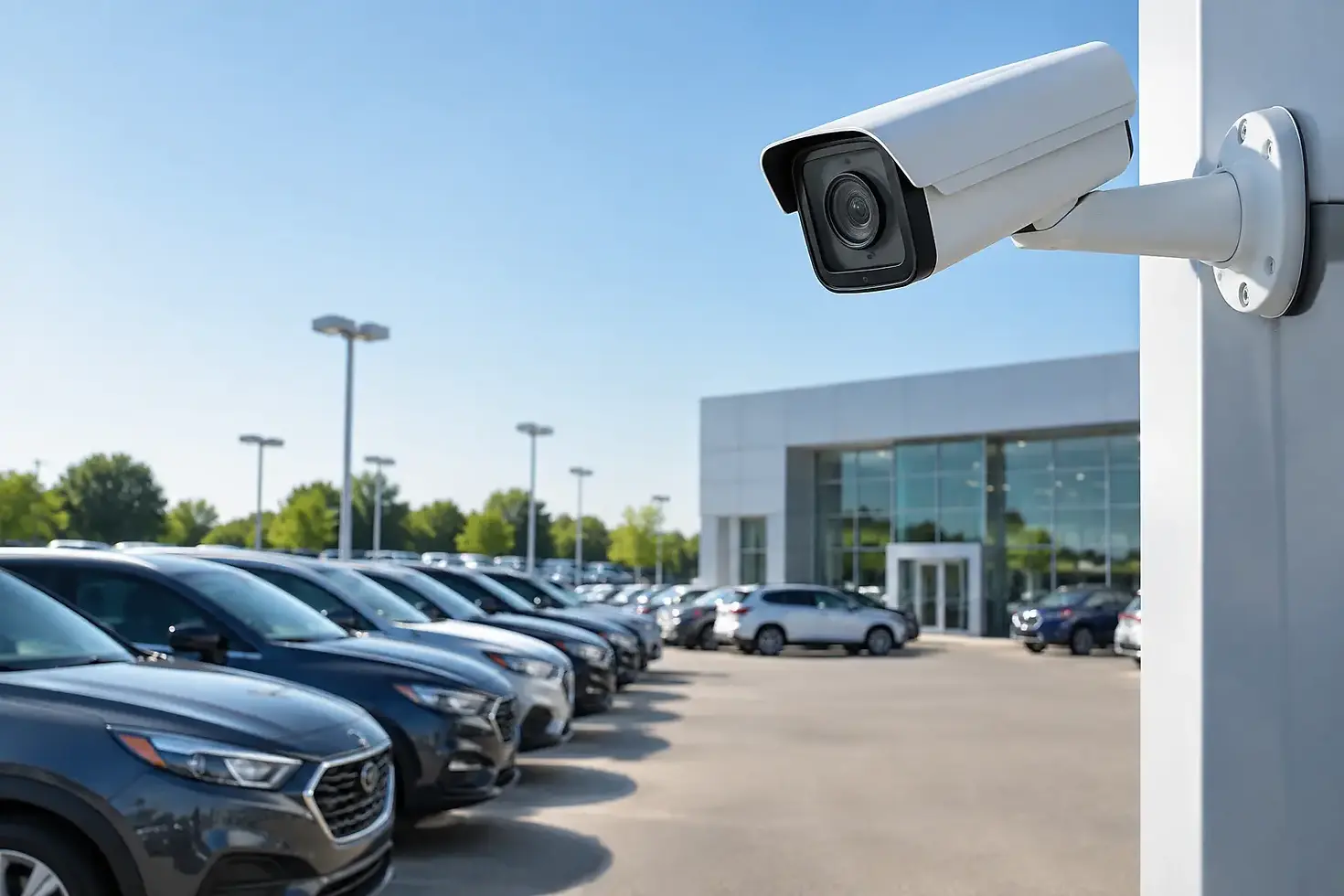
A Dealership Lot Surveillance Setup Guide
A vehicle can be stolen, damaged, or stripped in minutes, but the operational damage can last much longer. Missed sales, insurance claims, employee stress, and a customer’s lost confidence all add up. This dealership lot surveillance setup guide explains how to build coverage that helps stop incidents while they are happening, not simply document them after the fact.
Start With the Risks on Your Lot
A dealership is not one open parking area. It is a collection of risk zones with different activity patterns, values, and visibility needs. The front row of inventory may need clear coverage for customer activity and vehicle movement, while the back lot may be more vulnerable after hours. Service bays, key storage, delivery lanes, parts departments, and perimeter gates each require their own plan.
Walk the property at the times risk is highest, including after dark, during poor weather, and when the lot is quiet. Identify sightline problems caused by display vehicles, signage, fencing, snowbanks, trees, and neighboring buildings. A camera mounted high on a building may provide a broad view, but it may not capture a usable face, license plate, or vehicle detail at ground level.
Also consider how people actually enter the site. Criminals often test gaps along a fence line, approach from adjacent lots, or use an employee access point that is less visible than the main entrance. Your setup should reflect those real-world routes, not only the layout shown on a site plan.
Build Your Dealership Lot Surveillance Setup Around Zones
The most effective dealership lot surveillance setup uses overlapping coverage rather than relying on one camera to watch everything. Wide-angle cameras are useful for general awareness, but they should be supported by dedicated views at critical access points and high-value areas.
Cover the perimeter and every vehicle entrance
Every public entrance, staff entrance, service drive, gate, and vehicle access point should be recorded from at least one angle that can identify what happened. For vehicle lanes, position cameras to capture the direction of travel and allow for license plate visibility. Plate capture requires careful camera placement, lighting, distance, and angle. A general overview camera is rarely enough.
Perimeter coverage matters just as much. Cameras should monitor fence lines, rear access routes, alleyways, and blind corners where a person could enter unnoticed. If the property has long stretches without reliable power or network access, a mobile security trailer can extend surveillance into those exposed areas without waiting for permanent construction.
Protect inventory without creating blind spots
Inventory cameras should provide broad coverage of rows of vehicles while maintaining useful detail near the most vulnerable units. High-demand trucks, performance vehicles, newly arrived inventory, and vehicles positioned near the road may need closer attention.
Avoid pointing every camera straight down from a high pole. This can show that a person is present, but it may not provide enough facial detail for identification. Use a combination of overview and closer-angle cameras where practical. The goal is to understand the sequence of events and identify the people or vehicles involved.
Secure keys, service areas, and buildings
A large share of dealership risk is not limited to the lot. Key cabinets, employee entrances, service doors, parts storage, and the showroom transition area deserve focused surveillance. Cameras near key management systems should clearly show who accessed the area and when.
Service departments can be especially active early in the morning and after closing. Cover bay doors, customer drop-off areas, tool storage, and vehicle staging spaces. These areas benefit from video that supports both security investigations and routine operational accountability.
Design for Darkness, Weather, and Manitoba Winters
A camera system that performs well on a sunny afternoon may fail when it matters most. Glare from lot lights, headlights, reflective snow, blowing snow, rain, fog, and deep winter darkness can all affect image quality.
Night performance should be tested on-site, not assumed from a specification sheet. Some cameras rely on infrared illumination, while others perform better with carefully placed white light. Infrared can be useful for discreet coverage, but white light may provide better color detail and can discourage unwanted activity. The right choice depends on the distance to the target area, nearby lighting, and the property’s operating hours.
Mounting hardware, enclosures, cable runs, and wireless equipment must also be selected for local weather conditions. Cameras need to remain stable in wind, stay clear of accumulating snow where possible, and be placed where staff can safely service them. A camera hidden behind ice or a dirty lens is not protection.
Use Live Monitoring to Create an Active Response
Recorded video is valuable after an incident. Live monitoring changes what happens during one.
When trained monitoring professionals can view verified activity in real time, they can assess whether a person is approaching the lot, testing doors, entering a restricted zone, or tampering with a vehicle. Depending on the situation and your response plan, they can issue an audible warning through on-site speakers, contact designated staff, or request police response. That creates a much stronger deterrent than a sign stating that cameras are present.
This approach also reduces false alarms. Motion alone does not tell you whether an event is a threat, a delivery driver, an employee arriving early, or weather-related movement. Human verification helps prioritize response and prevents staff from being repeatedly called out for non-events.
Live monitoring is especially useful for dealerships with large outdoor lots, limited overnight staff, or temporary inventory overflow. It is also a practical option during construction, expansion, or seasonal changes when permanent coverage has not yet caught up with the property’s risks.
Plan the Network, Storage, and Remote Access Carefully
Camera placement gets attention, but the supporting infrastructure is equally important. A high-resolution camera is of limited value if the network cannot reliably carry the video, recordings are overwritten too quickly, or remote access is difficult during an urgent situation.
Start by determining how many cameras will record continuously and how many will use event-based recording. Retention requirements vary based on your insurer, incident history, camera count, resolution, and available storage. For a busy dealership, a short retention window can leave you without evidence when a theft or damage report is discovered days later.
Protect the video system from unauthorized access. Use unique credentials, role-based user permissions, secure remote access, and regular firmware updates. Managers may need access to live and recorded video, while other users may only need access to a specific department or camera group.
Power continuity also matters. Network switches, recorders, internet equipment, cameras, and any access control components should be considered in the outage plan. Backup power will not keep every system running indefinitely, but it can preserve recording and communications long enough to avoid an immediate security gap.
Integrate Cameras With Access Control and Alarms
The strongest dealership security plans connect systems rather than treating them as separate purchases. An access event at a gate, key room, or service door can trigger a camera view and create a clear record of who entered. An alarm event can direct monitoring attention to the relevant area instead of forcing someone to search through dozens of camera feeds.
Integration should remain practical. A complicated system that staff cannot use consistently will create workarounds and gaps. Establish clear procedures for who receives alerts, who can authorize access, and what happens when an event is verified after hours.
For some dealerships, visible deterrence is part of the strategy. Cameras, monitored speaker warnings, controlled gates, and security lighting show that the site is actively protected. For others, discreet coverage around sensitive internal areas may be more appropriate. The best design often uses both.
Test the System Like an Incident Will Happen Tonight
Installation is not the finish line. Once cameras are live, conduct a practical walkthrough after dark. Have a team member walk the perimeter, approach doors, enter vehicle lanes, and stand near inventory rows. Review the recorded footage and confirm that faces, clothing, vehicle paths, and critical details are usable.
Test alerts, speaker warnings, contact lists, remote viewing, and escalation procedures. Confirm that managers know how to retrieve footage and that the monitoring team has current instructions for your site. Update these procedures whenever staff, hours, access points, or lot layouts change.
A security plan should also be reviewed after any theft attempt, vandalism event, near miss, or expansion. New inventory patterns and changing risks can turn yesterday’s good coverage into tomorrow’s blind spot.
Your dealership lot should not depend on someone noticing a problem after the damage is done. With professional design, reliable equipment, and 24/7 live monitoring, Guardian Advanced Solutions can help turn your camera system into an active layer of protection for your inventory, employees, and customers.


Comments